
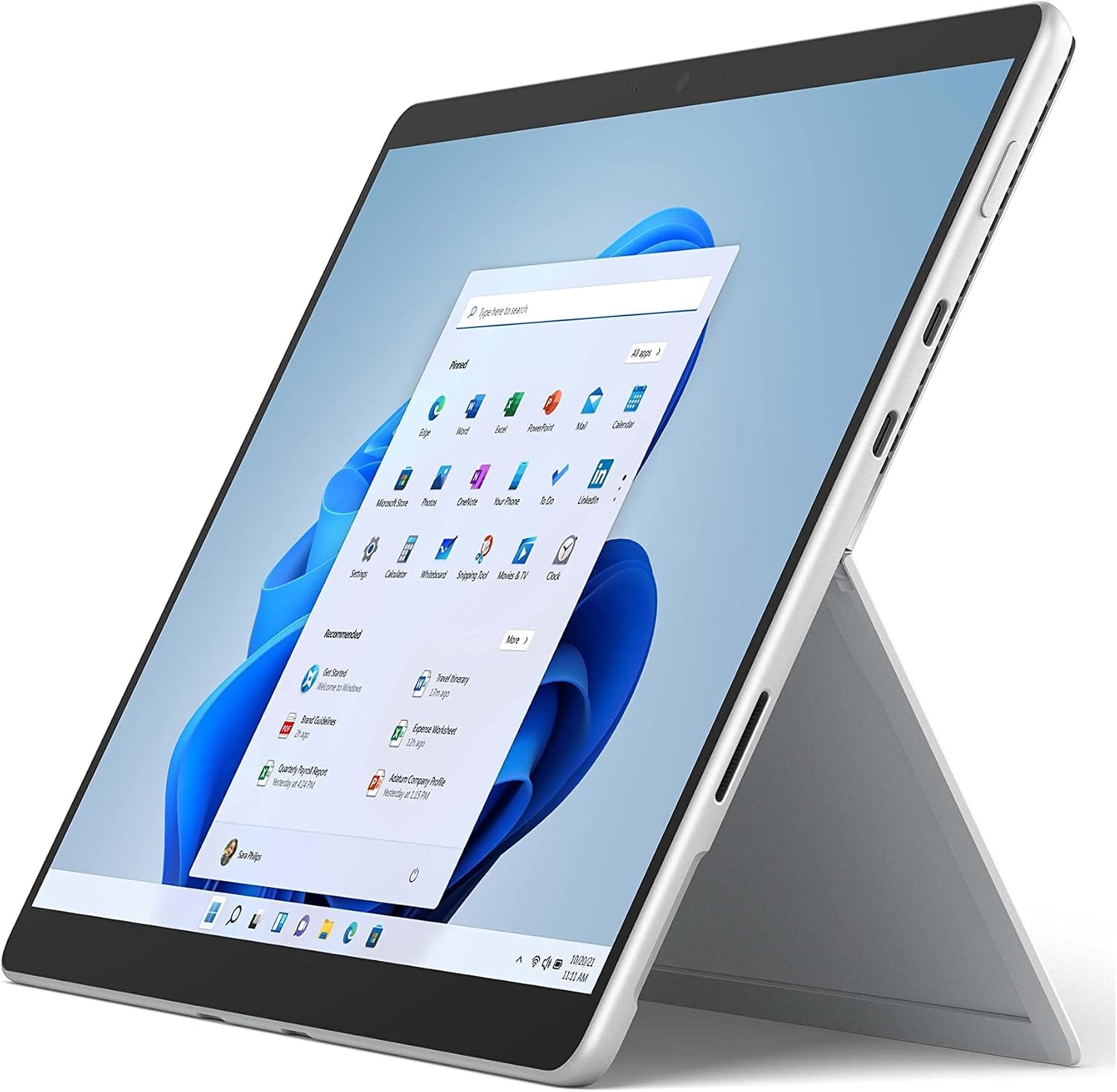
The Microsoft Surface Pro 8 remains a popular choice for hybrid device shoppers. However, many buyers still wonder if it holds up today. In this review, we break down its design, performance, and value. As a result, you’ll know exactly what to expect before you buy.
Design and Build Quality
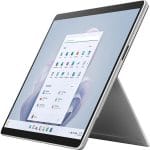
First, let’s talk about the design. The Surface Pro 8 keeps the familiar tablet-laptop hybrid form factor. Meanwhile, Microsoft refined the chassis with slimmer bezels and rounded edges. Consequently, the device feels more modern than its predecessors. The kickstand still offers smooth, reliable adjustment. In addition, the magnesium body feels sturdy without adding bulk. Overall, the build quality reflects premium craftsmanship throughout.
Display Performance
Next, the display deserves close attention. The Surface Pro 8 features a 13-inch PixelSense screen. Furthermore, it supports a 120Hz refresh rate for smoother scrolling. Therefore, everyday tasks like browsing and typing feel noticeably fluid. Colors appear vibrant, and brightness levels handle most lighting conditions well. Additionally, the aspect ratio suits productivity work better than entertainment. As a result, professionals will likely appreciate this screen the most.
Performance and Specifications
Moving on, let’s examine performance. The Surface Pro 8 runs on 11th Gen Intel Core processors. Meanwhile, buyers can choose between i5 and i7 configurations. Consequently, multitasking and everyday productivity feel snappy and responsive. RAM options go up to 32GB, which suits demanding workflows. However, gaming and heavy video editing may still push its limits. Still, for typical office and creative tasks, performance remains solid.
Battery Life
Battery life also plays a major role in daily usability. Microsoft claims up to 16 hours on a single charge. In real-world testing, though, results often land closer to 8-10 hours. Nevertheless, that’s still respectable for a device this thin. Additionally, fast charging helps top up power quickly between meetings. Therefore, most users won’t feel anxious about running out of juice.
Keyboard and Pen Experience
Equally important, the accessories elevate the overall experience. Unfortunately, the Type Cover keyboard isn’t included in the box. Instead, buyers must purchase it separately, which raises the total cost. That said, once attached, the typing experience feels comfortable and precise. Meanwhile, the Slim Pen 2 offers excellent pressure sensitivity for sketching. As a result, creative professionals will find this combination genuinely useful.
Ports and Connectivity
In terms of connectivity, the Surface Pro 8 finally embraces modern standards. Specifically, it includes two Thunderbolt 4 USB-C ports. Consequently, users can connect external displays and fast storage with ease. However, the lack of a full-size USB-A port might frustrate some users. Still, most modern accessories now support USB-C, so this isn’t a dealbreaker.
Who Should Buy the Surface Pro 8?
So, who exactly benefits most from this device? Business professionals who value portability will appreciate it most. Similarly, students juggling notes and assignments will find the pen input useful. On the other hand, gamers and heavy editors should consider other options. Ultimately, the ideal buyer prioritizes flexibility over raw performance.
Final Verdict
In conclusion, the Microsoft Surface Pro 8 delivers a well-rounded hybrid experience. Its display, design, and connectivity all stand out as strengths. Meanwhile, battery life and included accessories fall slightly short of expectations. Nevertheless, for professionals seeking a lightweight, versatile device, it remains a strong contender. Therefore, if portability and productivity matter most, this device deserves serious consideration.
READ ALSO: How to Choose a Local SEO Agency for Your Business




Leave a Comment
You must be logged in to post a comment